How to download Eclipse Online Beta - IOS
To access Eclipse online after the recent security update you will need to follow the below instructions.
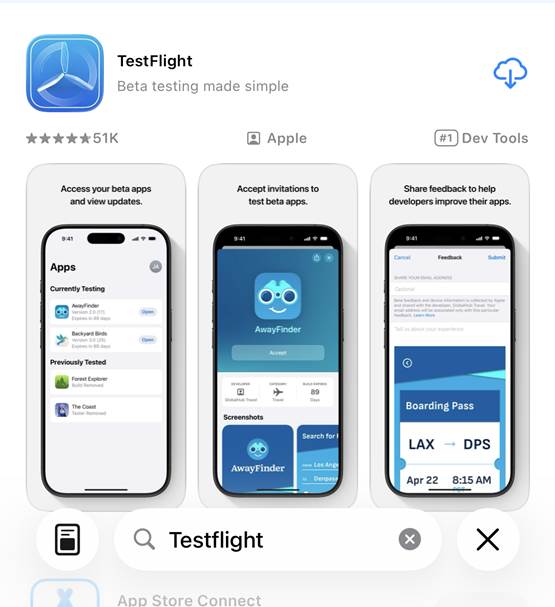
Step 1: Download and install the TestFlight app from the App Store on your iOS device.
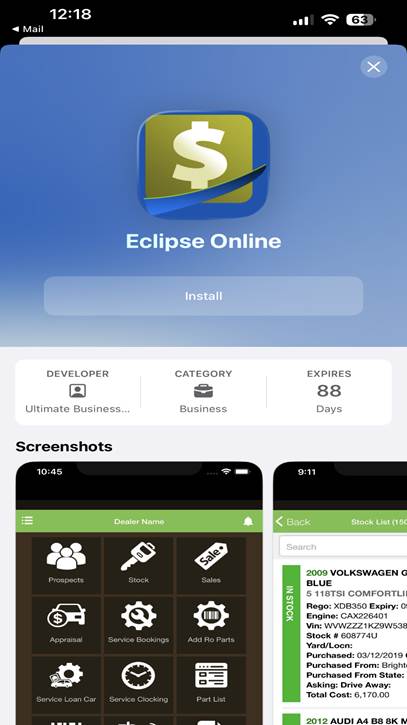
Step 2: Once downloaded, open the email Beta Invitation Link on your iOS device that will be emailed to you from an Ultimate Support team member.
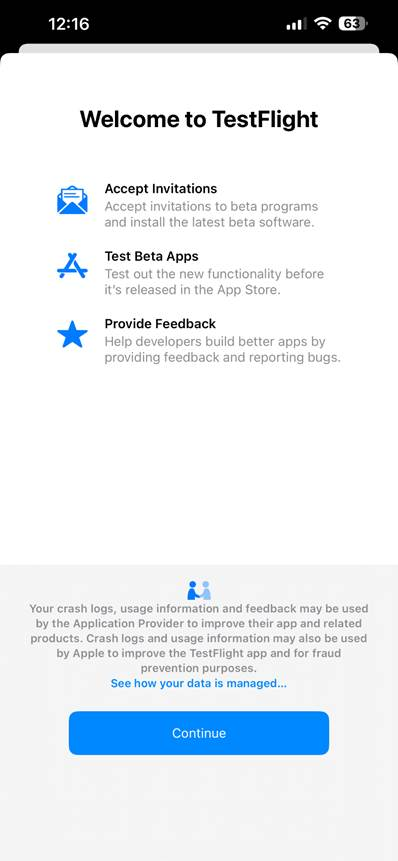
Step 3: Install the Application. Once TestFlight opens, tap Install to download the Eclipse Online Beta app.
Step 4: Complete the Setup
Follow the on-screen instructions in TestFlight to finish the installation and start exploring Eclipse Online Beta.
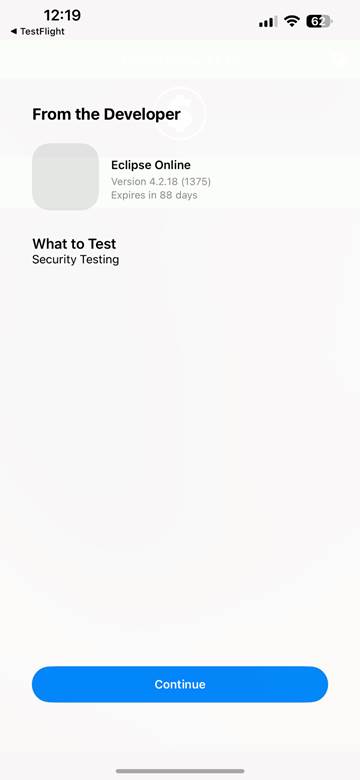
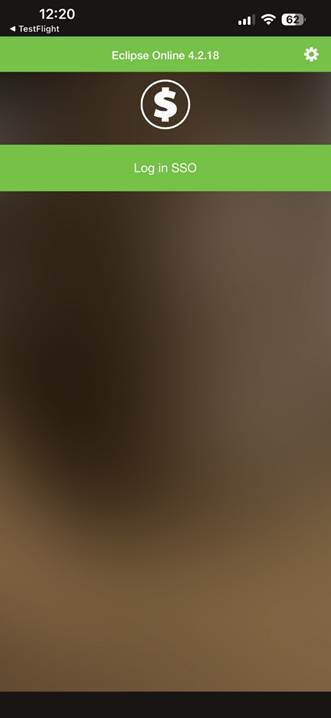
Step 5: Once the new version of Eclipse online is downloaded, tap on the setting icon and scan your connections details to connect. (The version number may vary to the screenshot below).