
The prospect detail screen is used to manage your CRM prospects. From here you can add vehicles of interests, create quotes and sales, and record communication.
Current Status

1 - This area holds the initial data such as staff member who created the prospect, the prospect source, initial status, and enquiry date.
2 - This area is for the prospect contact details, which branch or department they are linked to within your business, and a field for entering a referred by client.
3 - This displays the prospect history. Dates will be automatically entered when quotes and sales have been entered.
4 - Allows you to apply a schedule to the prospect, enter a budget and their sale probability, as well as marking them as lost or on hold. Placing a prospect on hold will pause any schedules you have selected for them. Prospect schedules will be detailed in further guides.
5 - The client actions allow you to edit the client card, record communications, create quotes and sales, and add appointment/diary bookings.
Vehicles

This tab is used to enter any vehicles of interest for the prospect. By clicking New, you can type vehicle details, or click the 3 dots in the Stock Number line to select a vehicle already in your stock list.
Trade-Ins

This tab is used to enter any trade in vehicles the prospect might have.
Finance Info

Use this tab to enter any finance information the prospect might have.
Tow Vehicle

Enter any towing vehicle details in this tab.
Communication

This tab will display all communication recorded against the prospect.
Prospect History

This tab will display tasks assigned to staff for this prospect, as well as give an overall history.
Quote History
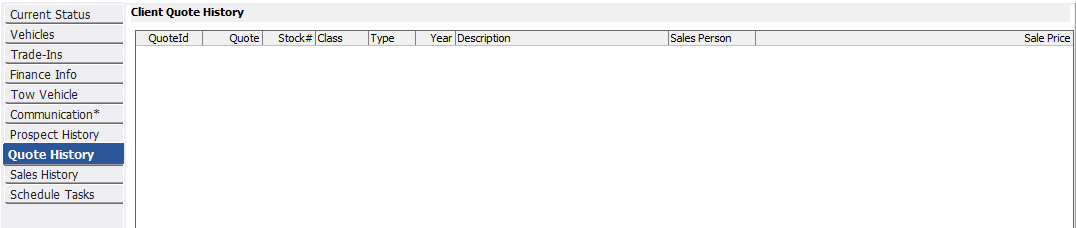
This tab will display all quotes ever provided to this prospect.
Sales History

This tab will display all sales generated for this prospect.
Schedule Tasks

This tab will display all scheduled tasks for this prospect, both past and future.
Related Articles