
Sublets are used to charge outsourced work on a repair order. You can have one blank sublet item to be used and edited every time, or you can enter multiple supplier specific sublet codes.
-
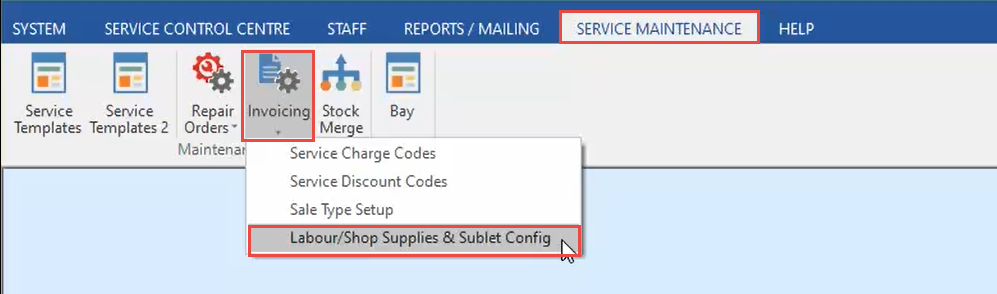
In the Service Maintenance tab, click Invoicing, then Labour/Shop Supplies & Sublet Config.
-
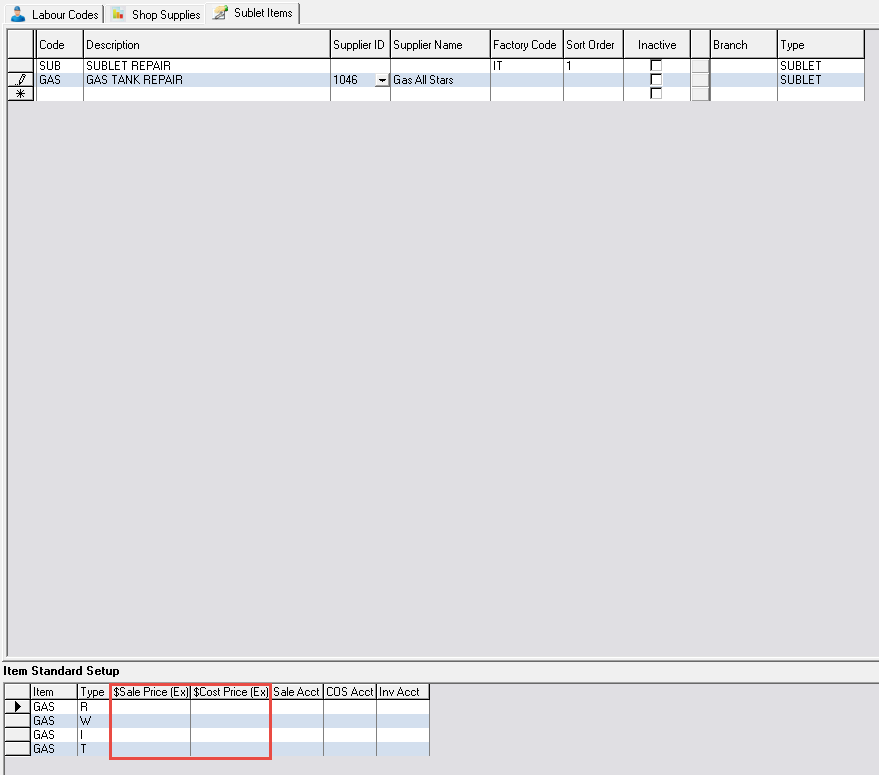
In the Sublet Items tab, click on the next available line, and enter a Code and Description.

-
If the sublet item is supplier specific, click the Drop Down in the Supplier ID column and select the Supplier.

-
With the new sublet item selected, enter a Sale and Cost Price against each job type applicable (Retail, Warranty, Internal, Trade).
-
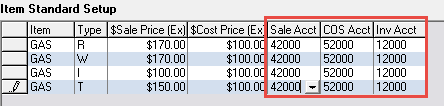
Enter an associated Sales, COS, and Inventory GL Account against each job type (please note - your accounts may differ to what is shown below).
-
Click Save.
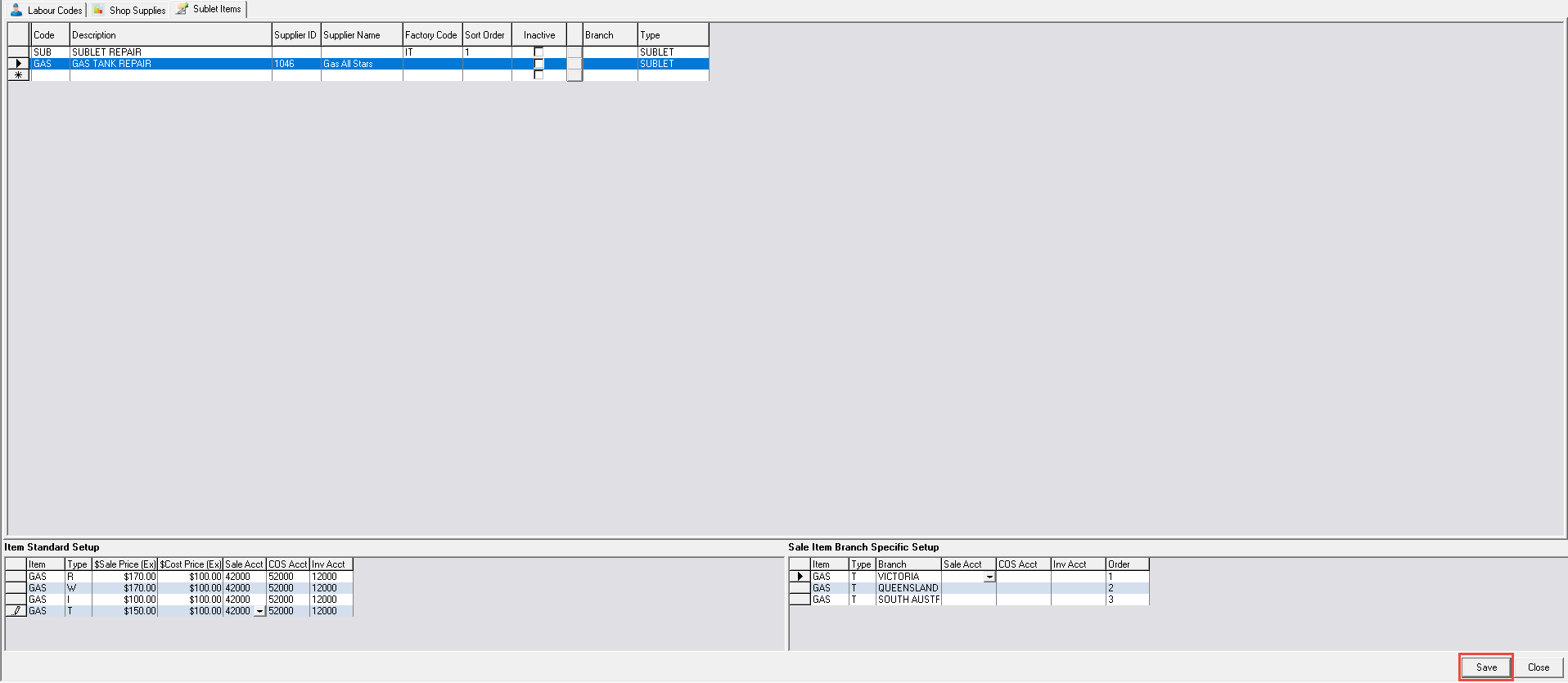
If you do not see the Save button, maximise the window
Related Articles