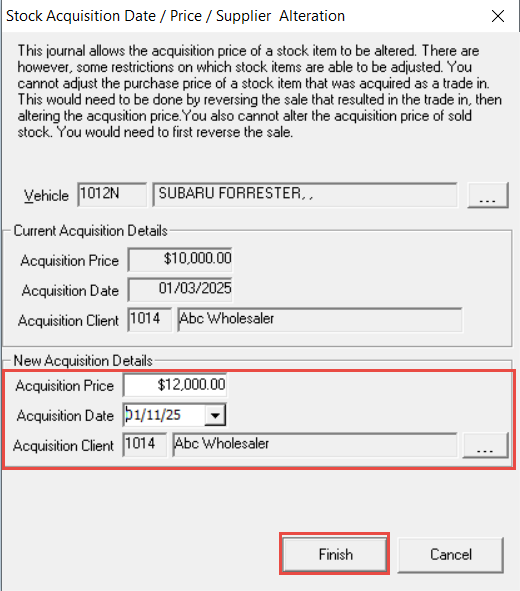
If you have entered the wrong acquisition information against a stock unit and the invoice date has been included in a BAS period, the system will not allow you to make changes. In this scenario, you will need to complete a stock alteration to bring the stock in to your current BAS period to allow any changes made. The system will handle the reversal and the re-post in the current period, leaving only any variances in cost to be included in the open BAS period.
-
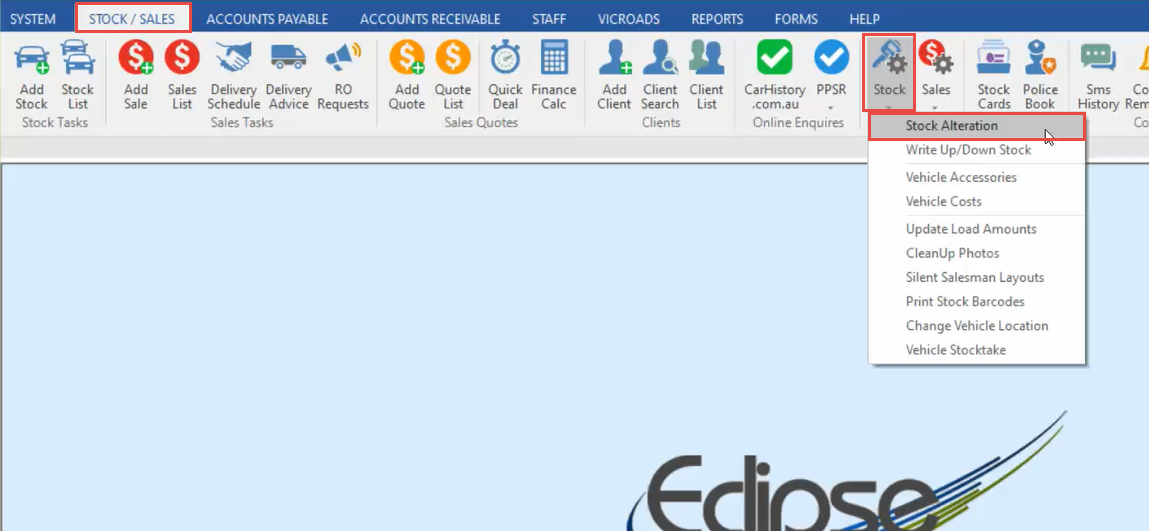
In the Stock/Sales tab, click Stock, then Stock Alteration.
-
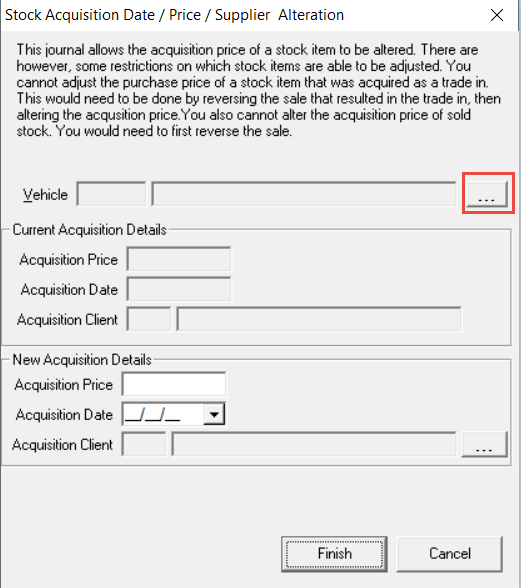
Click the 3 dots to open the stock list, and select the Stock Unit.
-
Update the Purchase Price or the Purchased from Client, then change the Invoice Date to be in the current accounting period.
-
Click Finish.