
In the Stock/Sales tab, there is the Repair Order Request screen. This screen is used to manage all service requests created from the sales department.
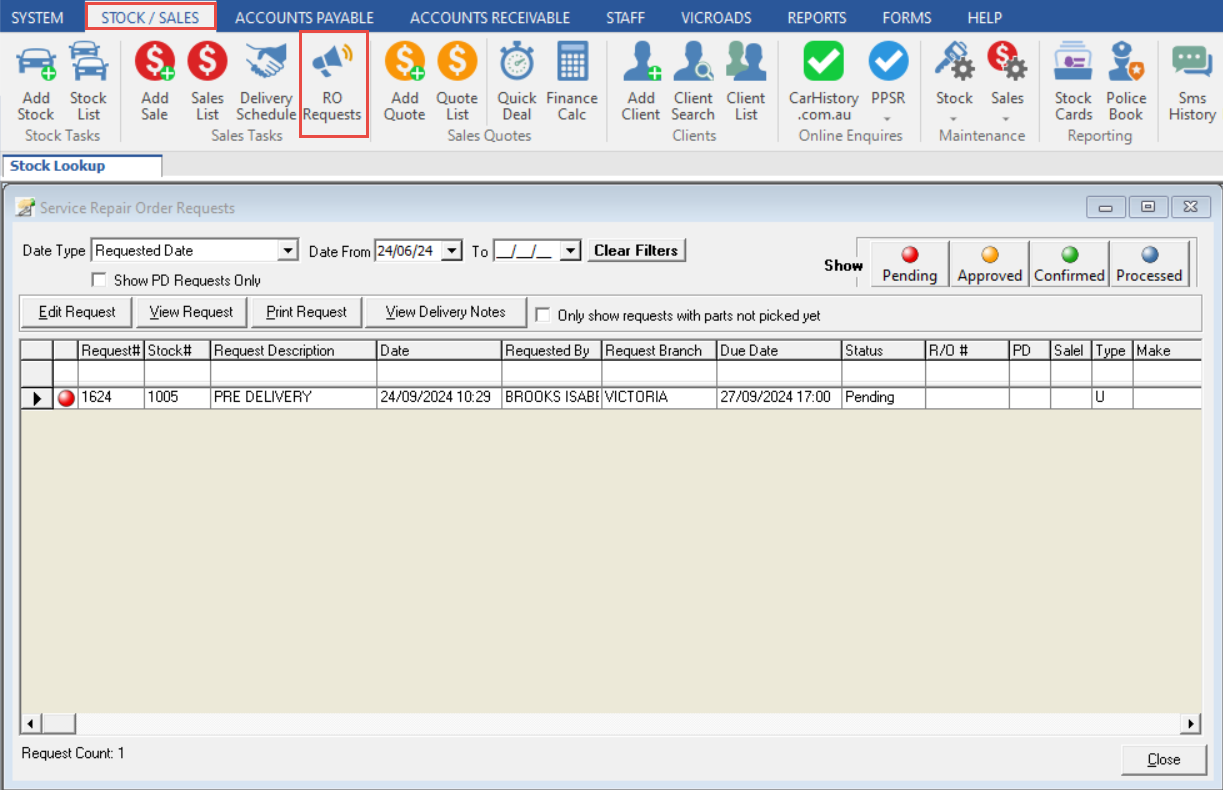
The Date Type and Date Range filters allow you to choose which requests are shown based upon the date created, sale date etc.

The filter on the top right of the screen allows you to filter the list depending on the Status of the request.

The Action Buttons allow you to edit, view, and print the selected request.

Related Articles
How to create a repair order request