-
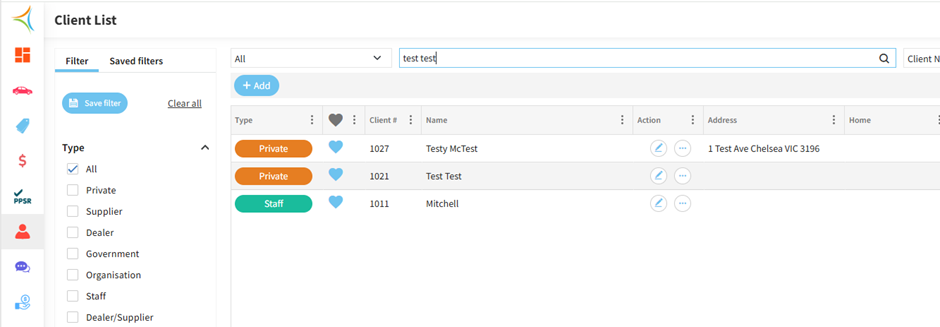
Go to the Client List and search the client you want to merge (in this example, I selected Test Test).
-
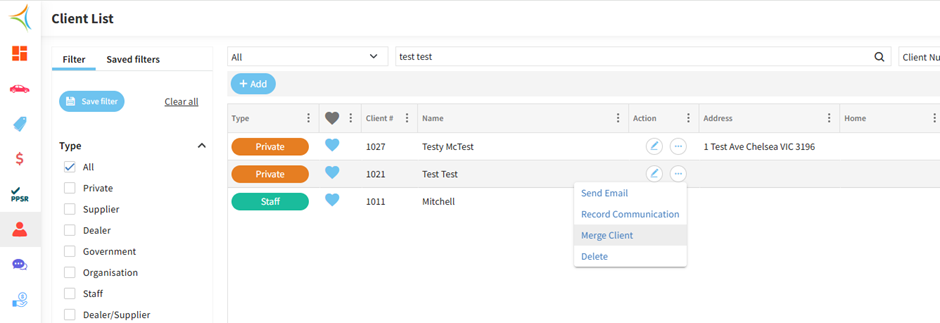
For the selected client, click on the three dots and choose Merge Client.
-
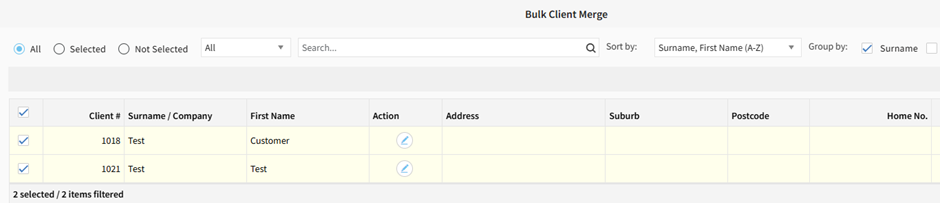
Search for the other clients you want to merge with the first one, then select all clients using the checkboxes.
-
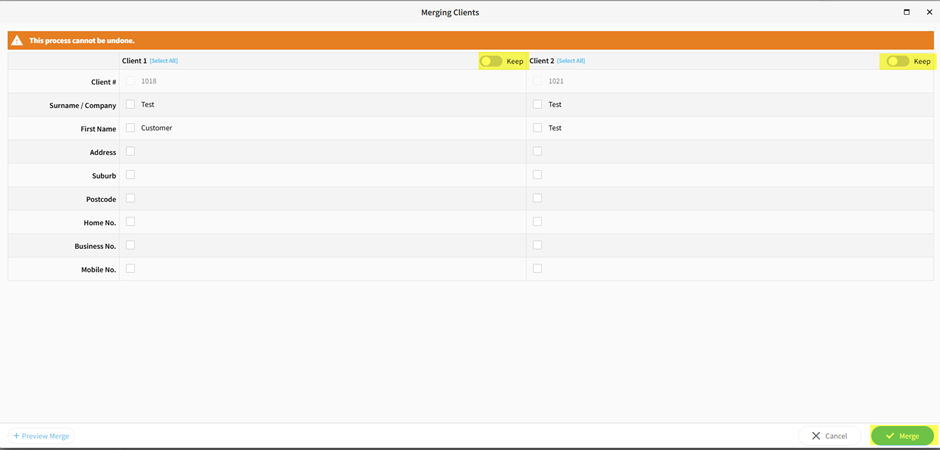
Click the Keep button for the client you want to retain, then select Merge.