
UBS Knowledge Base
Breadcrumbs

Navigating the stock detail screen in Aura

The Stock Detail Screen is used to enter all identifiers and details relating to that particular stock unit.


Info

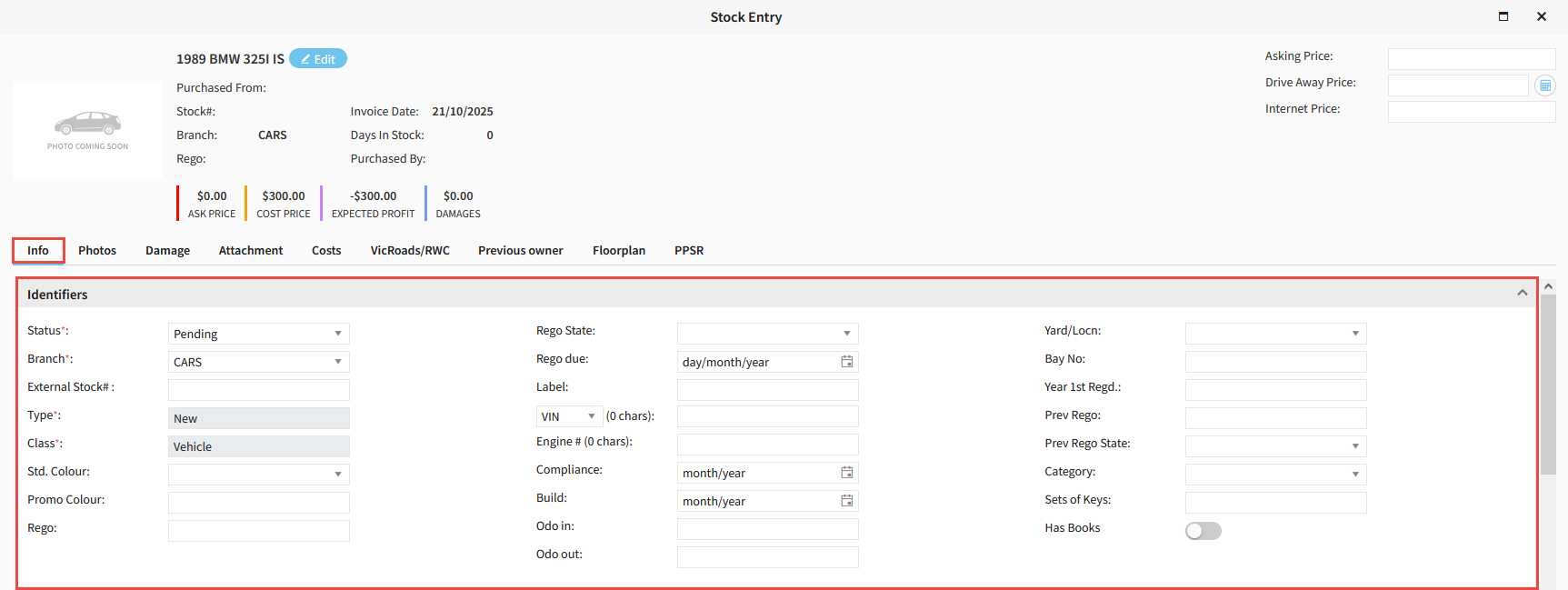
Identifiers

This area is to be filled out with identifying features of the stock unit, such as Rego, Vin, Engine Number etc.

https://s3-ap-southeast-2.amazonaws.com/aus-cdn.freshdesk.com/data/helpdesk/attachments/production/51257677810/original/IBbeZ9JAyQZZkCZvgm5FJLcuJ-DwT_IoYA.png?1761002566

Purchase Info

These fields house the purchase data such as Price, Supplier, Load & Warranty Amounts, and has PPSR data such as Appears on Write-Off Register.

https://s3-ap-southeast-2.amazonaws.com/aus-cdn.freshdesk.com/data/helpdesk/attachments/production/51257678720/original/VDslB8kSNc_avd0WC4kRE3s47o1KKEEV2w.png?1761002705


Acquisition Notes
Use the fields here to enter the purchase Invoice Number, Title, and any Acquisition Notes.


Internet Advertising

Select whether this stock uploads to Internet Advertising and write any Advertising Notes.


Accessories

Select any additional Accessories to display on the stock fact sheet.


Standard Features

Add any Standard Features that come with the stock. These come from the Redbook data or Model Codes supplied by you and uploaded by Eclipse.


Factory options

Add any additional Factory Options that can be applied to the stock. These are entered by Eclipse from Model Codes supplied by you.


https://s3-ap-southeast-2.amazonaws.com/aus-cdn.freshdesk.com/data/helpdesk/attachments/production/51257681491/original/xrWdVl_TiLxU88bsJkYcAr7KIdQWCm7S5Q.png?1761003084


Photos

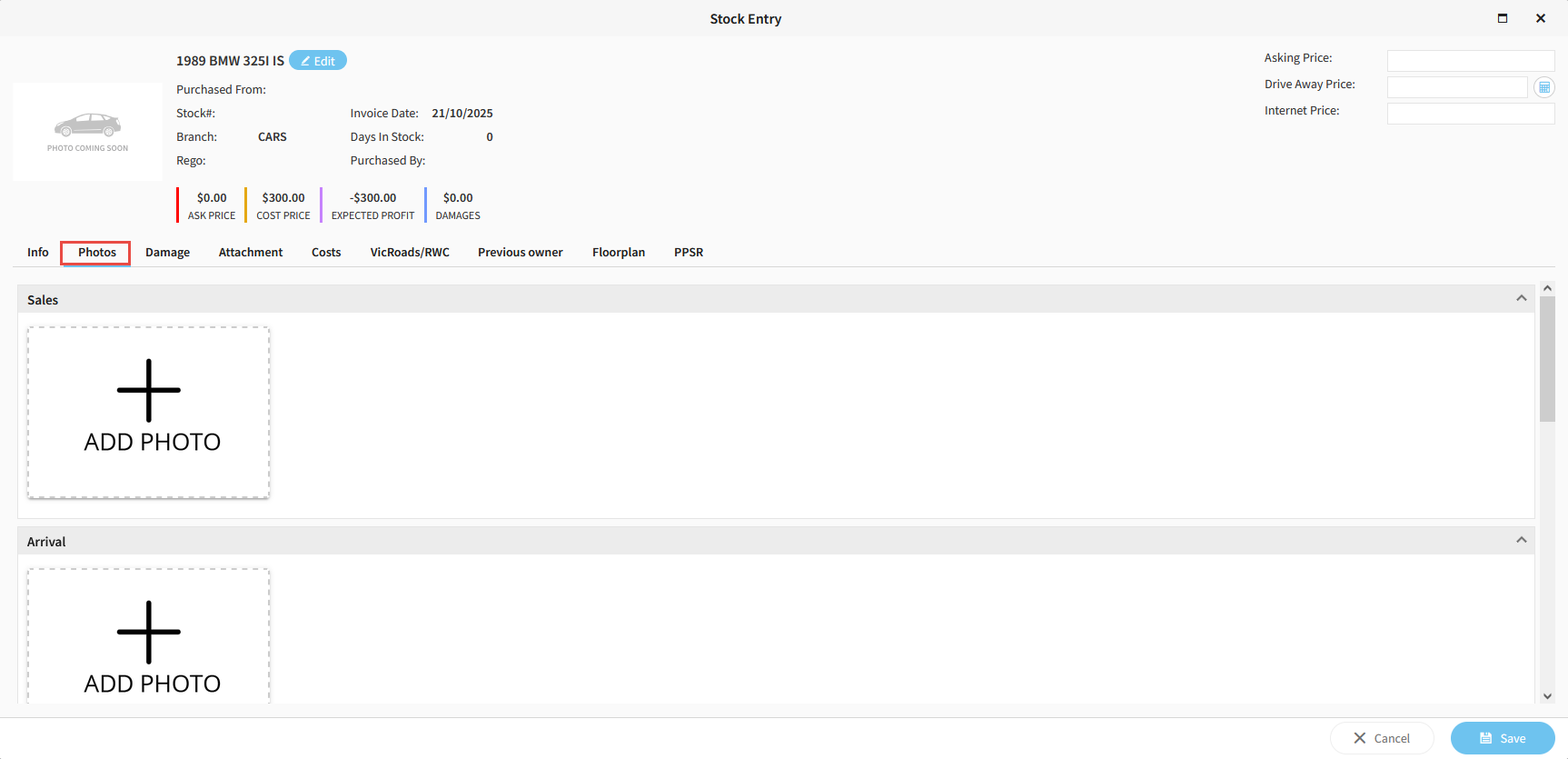
Add any photos you wish to upload to internet advertising or want to appear on the fact sheet.

https://s3-ap-southeast-2.amazonaws.com/aus-cdn.freshdesk.com/data/helpdesk/attachments/production/51257682409/original/DR-U0N6S3Hf-V5p-KaQtKfJsmjNIjLoF6Q.png?1761003212


Damage

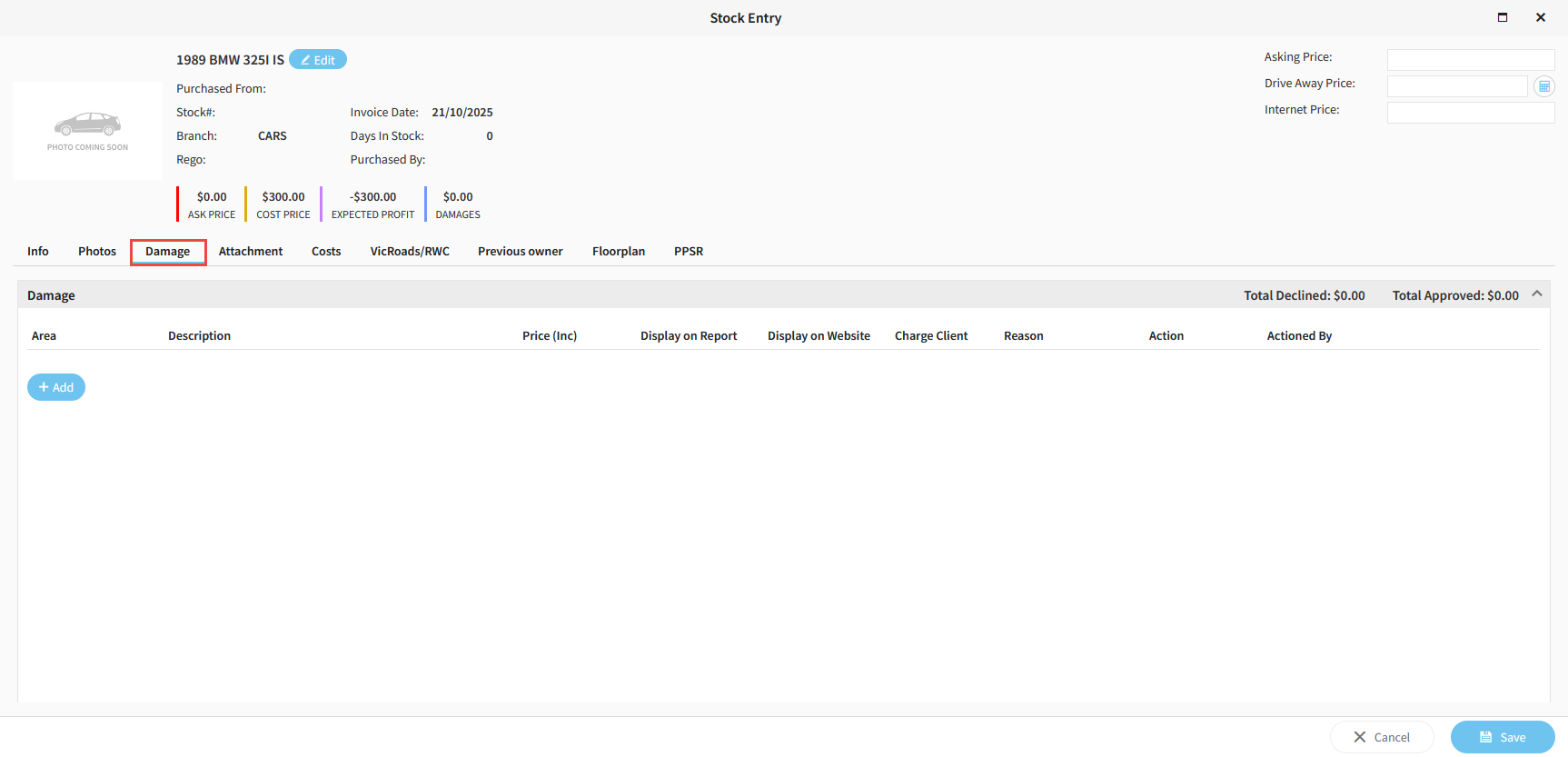
Add any damage to the vehicle in this tab and also decide whether it displays on the damage report or to website advertising.

https://s3-ap-southeast-2.amazonaws.com/aus-cdn.freshdesk.com/data/helpdesk/attachments/production/51257683055/original/1gypJigMflkIRXXDOHfS-02HXG0X1qLWEA.png?1761003320


Attachment

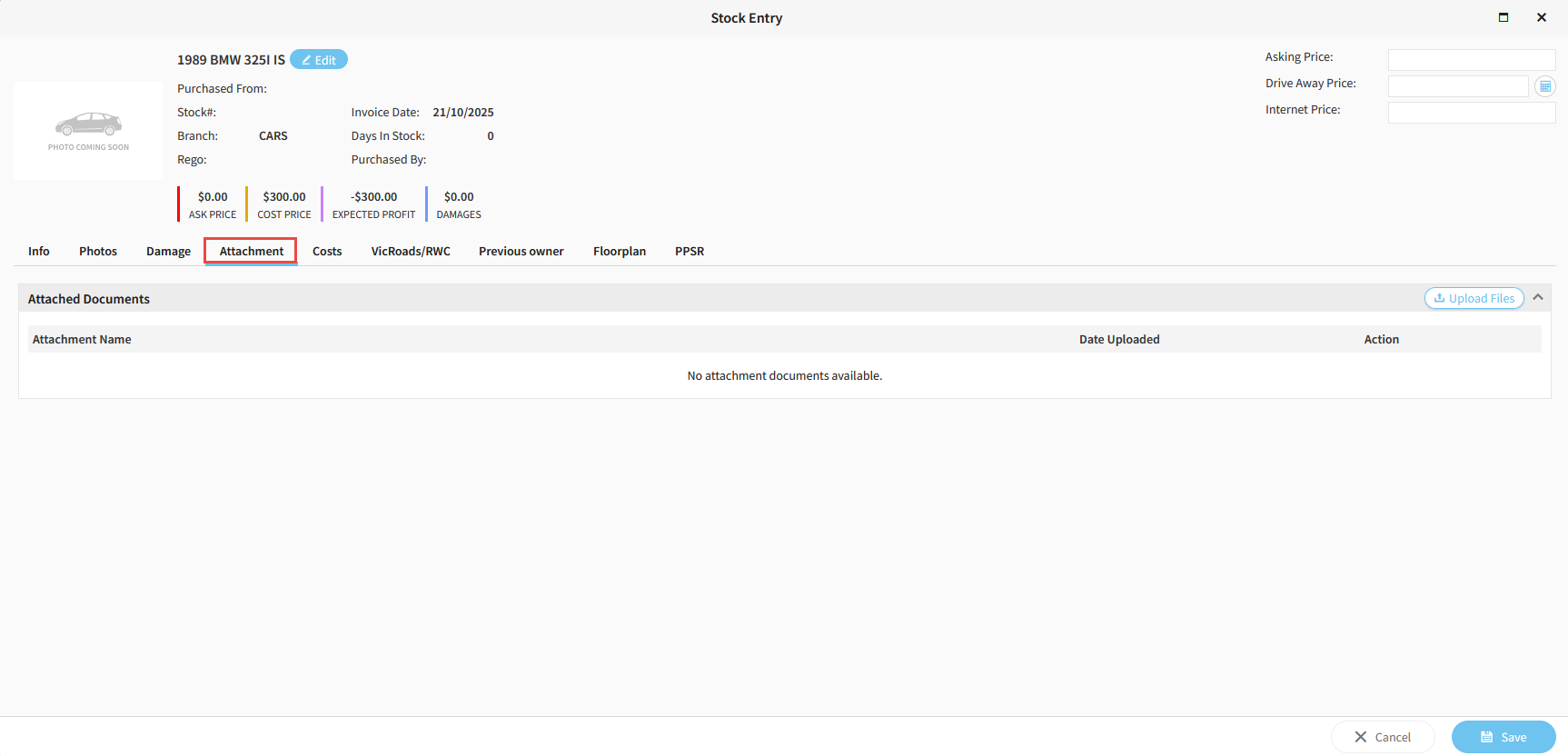
Upload any additional attachments/documents

https://s3-ap-southeast-2.amazonaws.com/aus-cdn.freshdesk.com/data/helpdesk/attachments/production/51257683933/original/vmg2-9s6Fx1nwH_eIAM7otUKYp9KipB--Q.png?1761003444


Costs

Add any additional costs associated with the purchase of the stock unit in this tab.
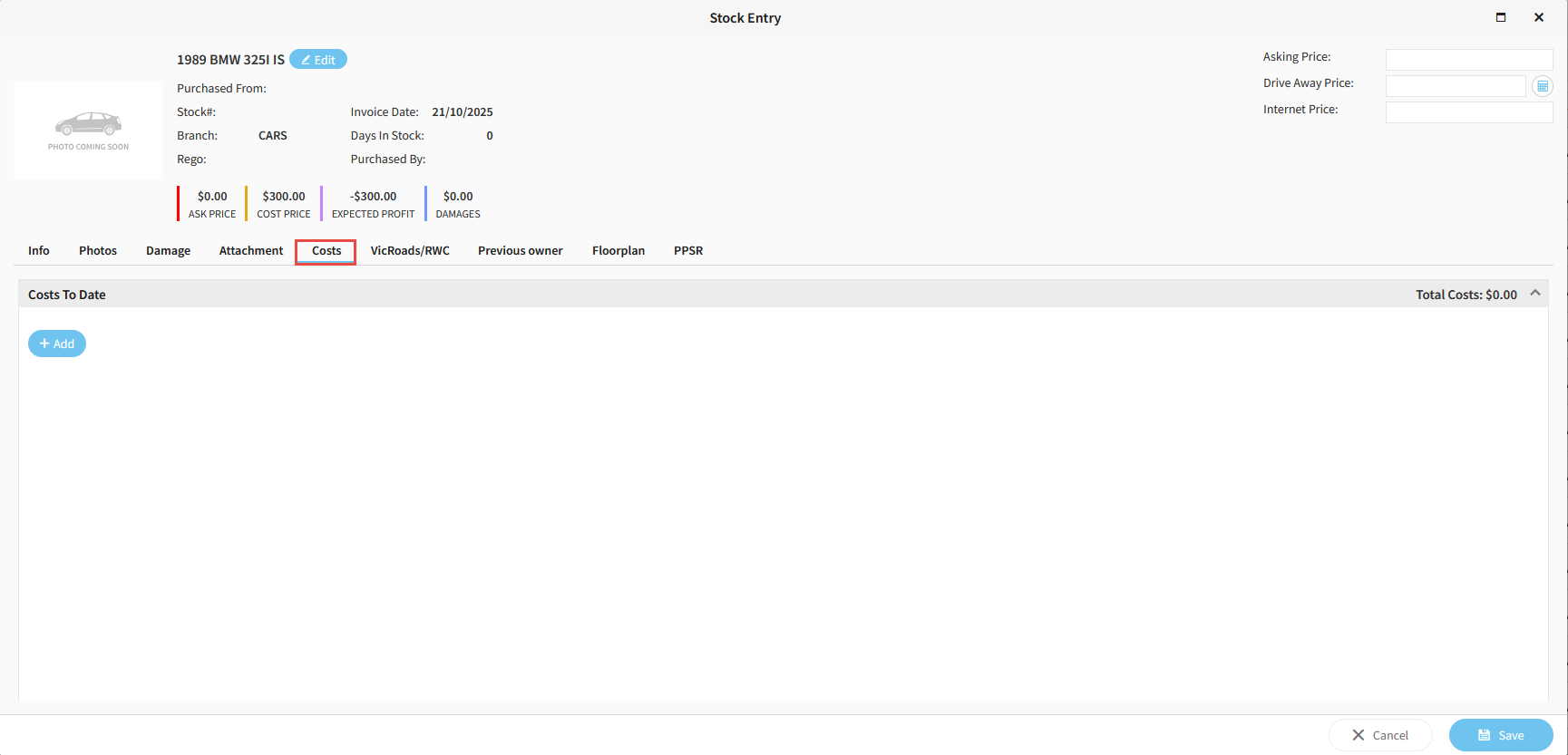

https://s3-ap-southeast-2.amazonaws.com/aus-cdn.freshdesk.com/data/helpdesk/attachments/production/51257684313/original/LGRRzLxwGxgg_Y9gBlhlDHL0vLbezjMfkw.png?1761003510


VicRoads/RWC

This tabs name will vary depending on your state. Here you can enter roadworthy certificate data, as well as other compliance information.
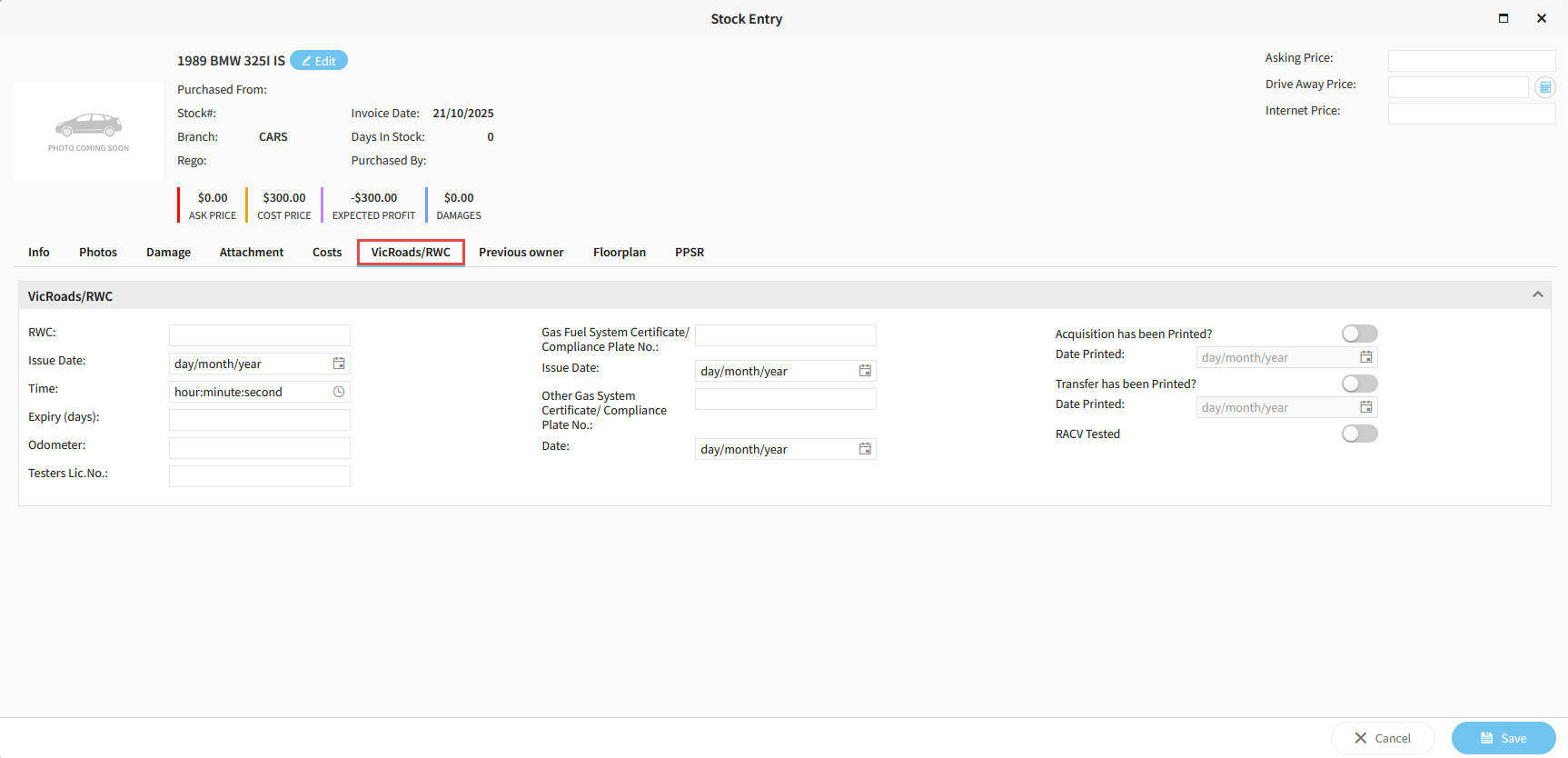

https://s3-ap-southeast-2.amazonaws.com/aus-cdn.freshdesk.com/data/helpdesk/attachments/production/51257684992/original/Q2d_QHMq0nAzekNTwaK28Y5x2nDVwkWD4A.png?1761003596


Previous Owner

Use this tab if you wish to record the previous owners details.
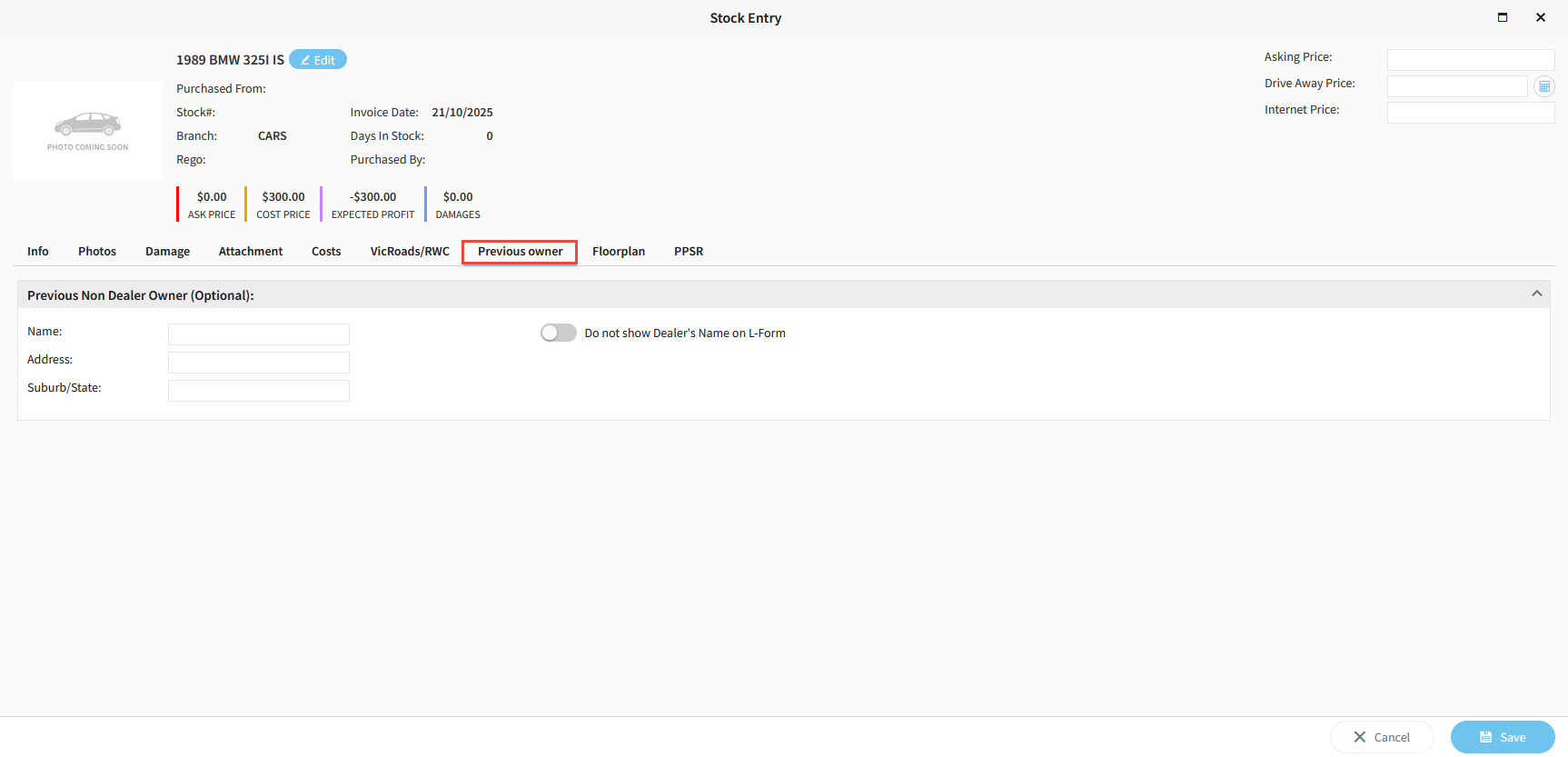

https://s3-ap-southeast-2.amazonaws.com/aus-cdn.freshdesk.com/data/helpdesk/attachments/production/51257685407/original/XrUhAC_RXCrQ3Gcj9lintg8yvnV60IrX_w.png?1761003651


Floorplan


If your stock is on floorplan, details must be added in here to be able to make your curtailments correctly.
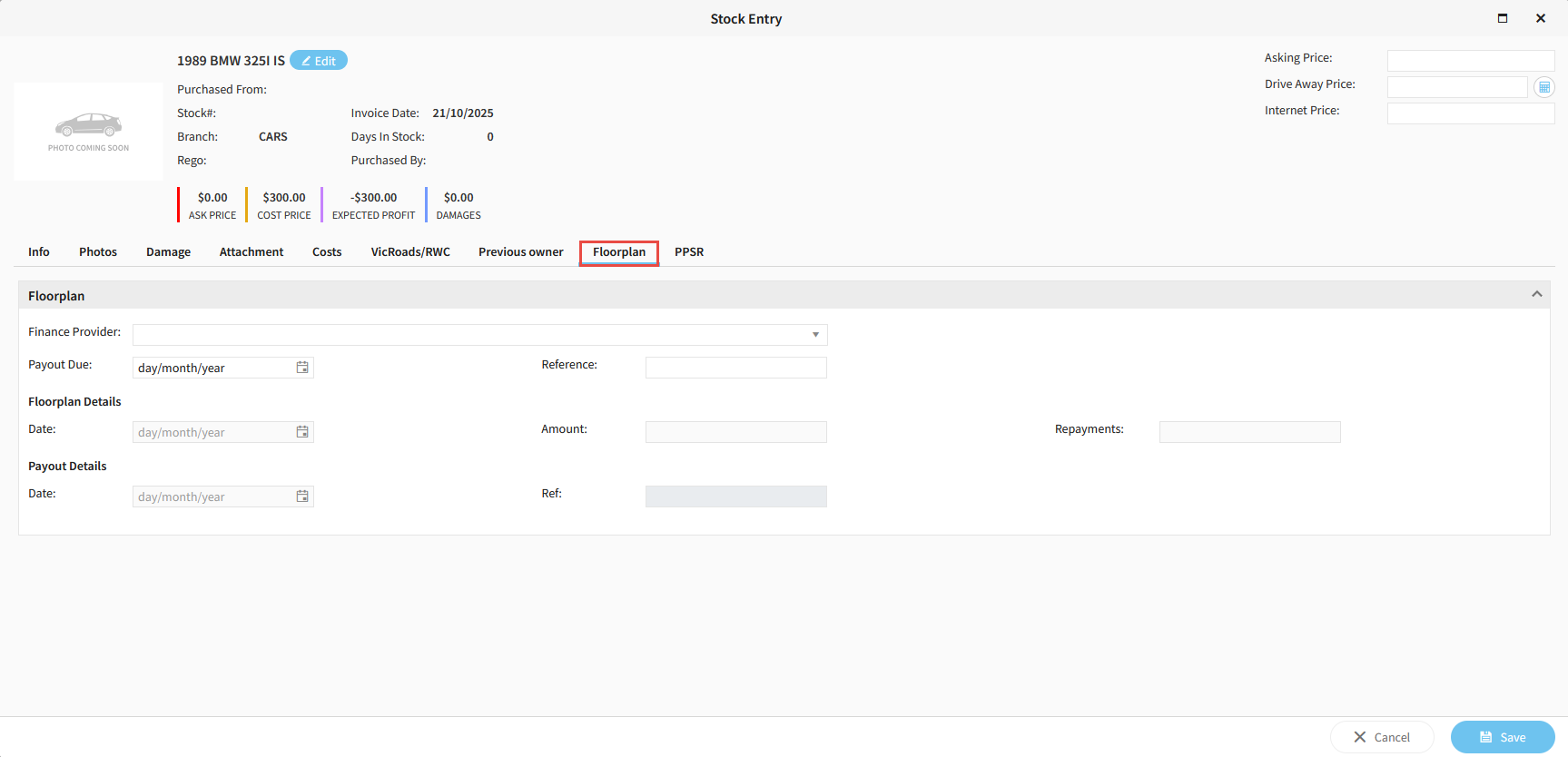

https://s3-ap-southeast-2.amazonaws.com/aus-cdn.freshdesk.com/data/helpdesk/attachments/production/51257686077/original/0SSr4AOyzQtCfzH5YMg_JW9JHzCFlaYwPg.png?1761003749


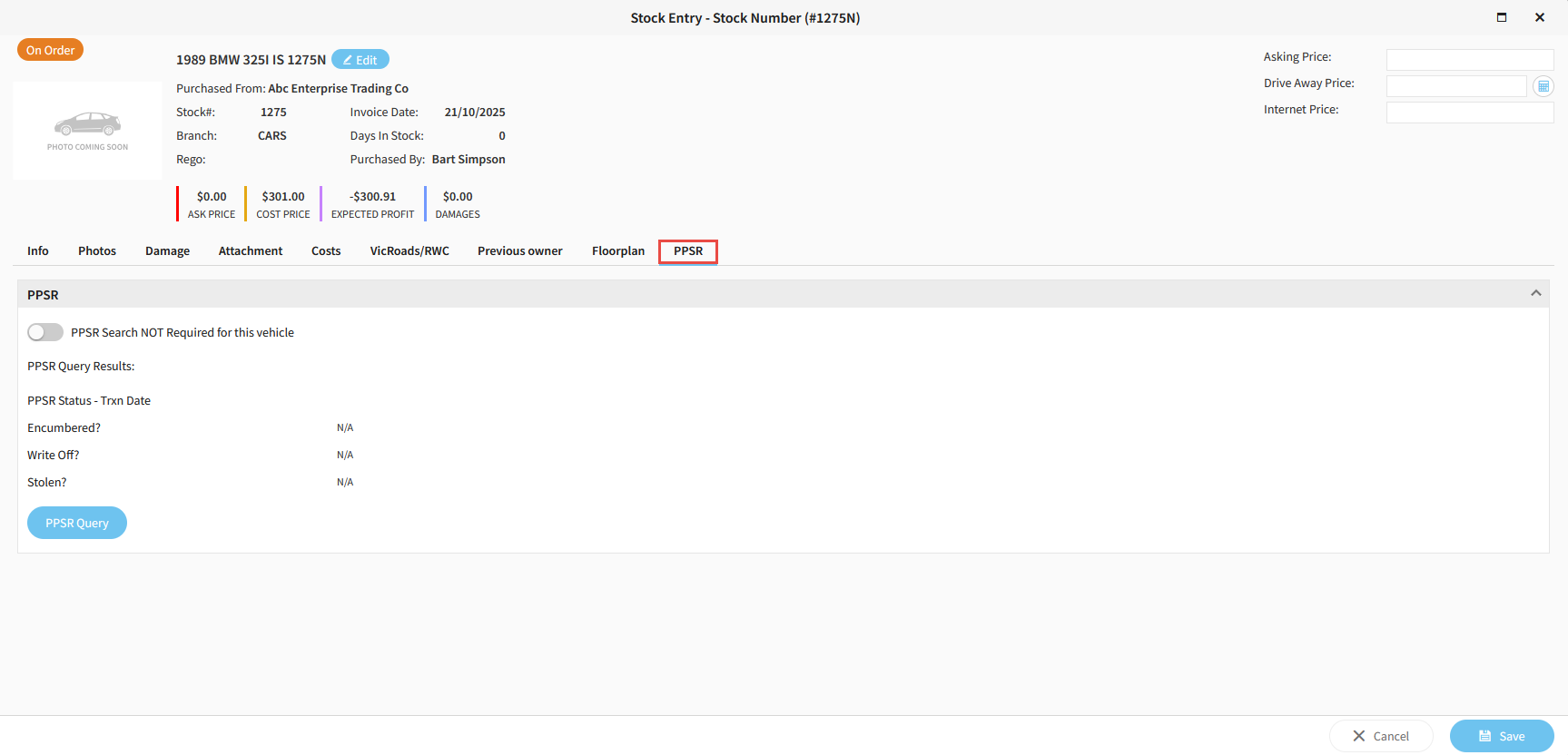
PPSR

If your dealership subscribes to PPSR with Ultimate, you can run a PPSR search on this stock from this tab.

https://s3-ap-southeast-2.amazonaws.com/aus-cdn.freshdesk.com/data/helpdesk/attachments/production/51257686784/original/Lg6Rsep2xObGytCUM1-_71c7Hc82pibT2A.png?1761003858


Related Articles


How to add a new stock unit in Aura


Navigating the stock list screen in Aura


How to run a PPSR search in Aura


Stock upload in Aura